
A monthly payroll input checklist should cover who gets paid, how many days they are paid for, what changed in their pay or deductions, and who approved each change. HR should close employee and attendance inputs. Finance should verify amounts and approve the payroll totals. Payroll should process the approved version and flag any unresolved items before salary release.
Use this checklist for a small business, factory or school. It also gives your team a clear handoff when using payroll management services in India. If you need the full picture, see Vauras’s guide to the payroll cycle and compliance.
What should the monthly payroll input checklist include?
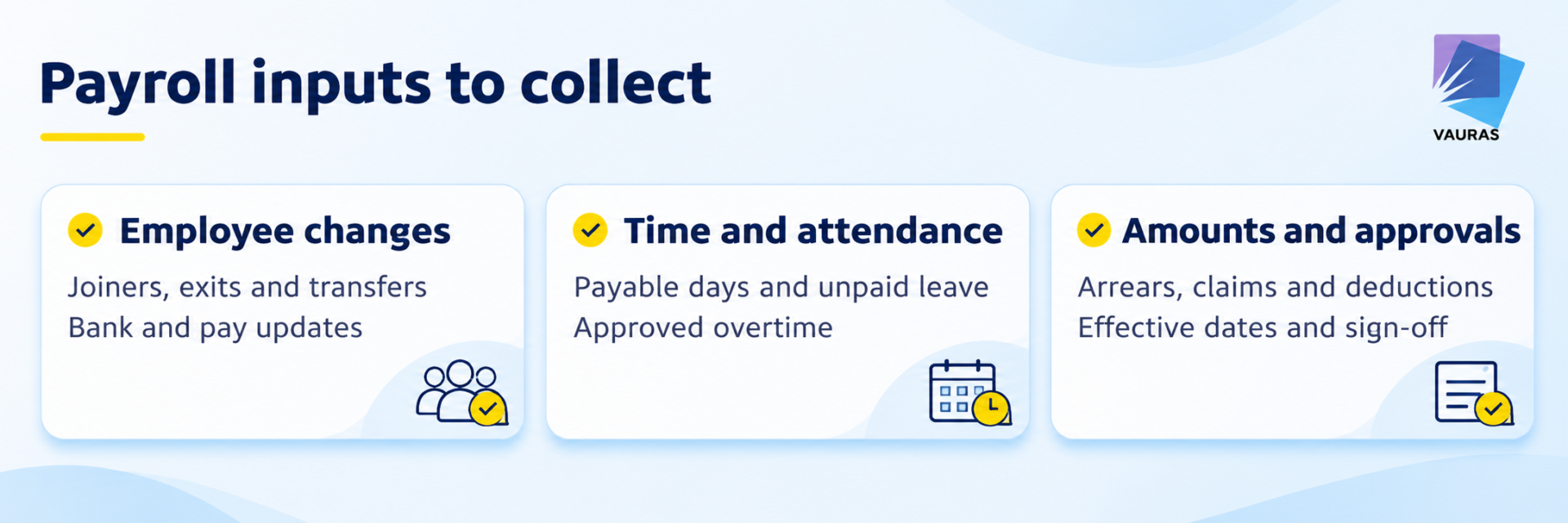
Start with the employee master, then collect this month’s changes. The employee master is the main record of who works for the business, where they work and how they are paid. Use the same employee ID across all files.
Employee records and job changes
- HR confirms joiners, exits, transfers and changes in employment status. Include joining or last working dates, the effective date for each transfer, and the approved salary structure for joiners. Flag any exit settlement that will be handled separately.
- Verify changed bank details through an approved channel. For a new or changed record, check only the statutory identifiers required for that employee, such as the Universal Account Number (UAN) where applicable. Keep bank and identity details in a restricted system or secure transfer channel.
Attendance, leave and overtime
- HR or the site manager closes attendance for a clearly stated period. Record approved unpaid leave, attendance corrections and payable overtime. Give payroll the approved payable-day inputs, or the underlying attendance and pay rule if payroll will calculate them.
- Factory teams should reconcile shift and overtime records with supervisor approvals. School teams should confirm payroll changes for teaching and support staff, including approved substitutions or additional duties where those affect pay.
Pay changes, claims and deductions
- HR confirms increments and salary revisions. Record the effective date and any earlier pay period covered by arrears. Show the revised recurring amount and the one-off arrears separately.
- Finance checks approved bonuses, incentives, reimbursements and recoveries. Record the component, amount, pay period and approval reference. Keep claims paid outside payroll separate so they are not paid twice.
- Payroll or the compliance owner confirms changes affecting applicable Provident Fund (PF), Employees’ State Insurance (ESI), Professional Tax or salary tax deducted at source (TDS). Check the location and effective date. Confirm coverage and treatment for the establishment and employee before applying a change.
How do these inputs differ by workplace?
The Ministry of Education’s UDISE+ release counted 1,02,73,020 school teachers in India in 2025–26. MoSPI’s Annual Survey of Industries found that factories with up to ₹5 crore invested in plant and machinery represented 78.69% of operating factories covered by the survey in FY 2024–25, as shown in Table 1. A school and a factory can use the same approval log, while keeping different source records for extra duties, shift hours or overtime.
Who submits, checks and approves payroll inputs?
HR owns the employee and attendance records. Finance checks the approved amounts, reviews differences in the draft payroll and signs off through the authorised approver. The processor imports the approved file into the payroll management system and reports anything that fails validation.
- Before cut-off, each input owner submits an approved file or explicitly confirms there are no changes for their category.
- At cut-off, HR freezes a version and records the attendance period, employee count and totals for items such as incentives or recoveries. Payroll checks for duplicate or unknown IDs, missing approvals and dates outside the period.
- Before release, finance reviews unexplained pay differences against last month, checks changes by employee, and matches the payment file total to the approved net-pay total for the employees included in that file.
What happens when an input arrives after cut-off?
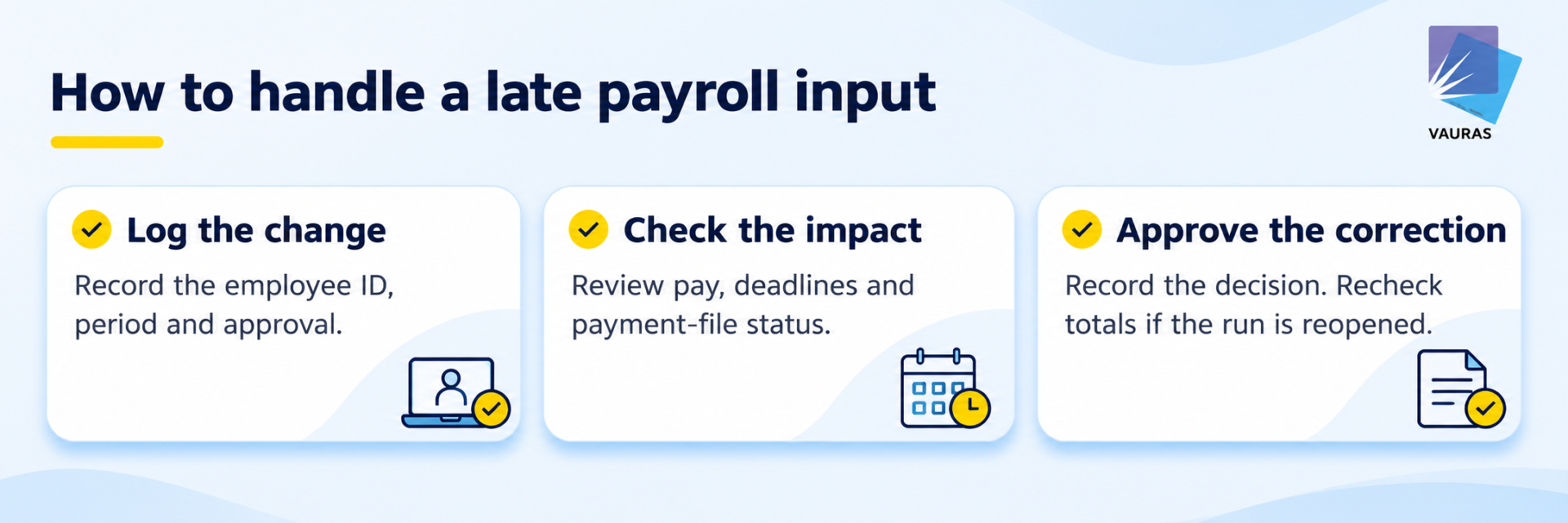
Log the change and identify the latest point at which payroll can safely make it. Check the pay impact, any applicable payment or settlement deadline and who can approve a revised run. If a revision is approved, issue a new version, rerun the affected calculations and obtain fresh sign-off before release. Once a bank file has been released, confirm its status before issuing any further payment instruction.
Worked example for a factory payroll
A supervisor reports four approved overtime hours for employee F-042 after HR freezes the attendance file. HR confirms the date worked and the supervisor’s approval. Payroll checks the impact against the applicable overtime rule. Finance and the authorised approver decide whether to reopen the run or use a permitted correction process. If they reopen it, payroll issues a revised register and finance reconciles the revised bank total before authorising payment.
A handoff log you can copy
| Employee ID | Input and period | Change | Approval ref. | Owner and status |
| F-042 | Overtime, October | +4 hours | OT-104 | HR verified. Payroll review due before release. |
Use one line per change. Assign unresolved items a named owner and due date. If the same change is resubmitted, update the existing row and preserve the approval history. Use a restricted reference to supporting records.
What should employers ask a payroll provider?
When comparing payroll processing services, ask for a sample input template, a cut-off calendar and a draft variance report. Confirm who collects approvals, corrects rejected inputs, signs off the register, releases the bank file and owns statutory work. The best payroll management services for your team will fit the approval process your staff can follow each month. Managed payroll can help when several sites feed one salary run or when HR and finance spend time reconciling conflicting files. Your team still needs someone who can confirm attendance, employment changes and the amounts it has authorised.
Conclusion
Agree on the cut-off, name an owner for each input and approve one version of the payroll file. Keep a record of late changes and check the draft register against the payment file before salaries go out.
Vauras’s payroll management services cover salary calculations, payslips and payroll reports for employees on your own payroll. Vauras can also support applicable PF, ESI, Professional Tax and salary TDS work as agreed. To discuss your monthly payroll process with Vauras, share your employer location, headcount, establishment type, current issue, support needed, target start date and the decision-maker’s business contact details.
Frequently Asked Questions
What is the difference between a payroll input and a payroll output?
An input tells payroll what to process, such as approved unpaid leave or a salary revision. An output is the result of the run, such as a payroll register, bank payment file or payslip.
Should HR send the full employee list every month?
Agree the format with your payroll processor. A changes-only file can work when both sides use the same employee master and can reconcile headcount. A full file can be useful when your system needs a complete import.
What if a department has no payroll changes this month?
Ask the department owner to confirm “no changes” for the period. This lets payroll distinguish a completed check from an outstanding submission.
Who should verify a change to an employee’s bank account?
The designated HR or payroll owner should verify the request through an approved channel. A second authorised reviewer should confirm the update before it enters the bank file.
Should a late input always move to next month?
Assess the change before deciding. Consider whether the payment file has been released, the employee’s pay impact and applicable payment deadlines. Record the approved correction date and owner.